
Earth To Landscape
Real places as true-scale Unreal landscapes, without leaving the editor.
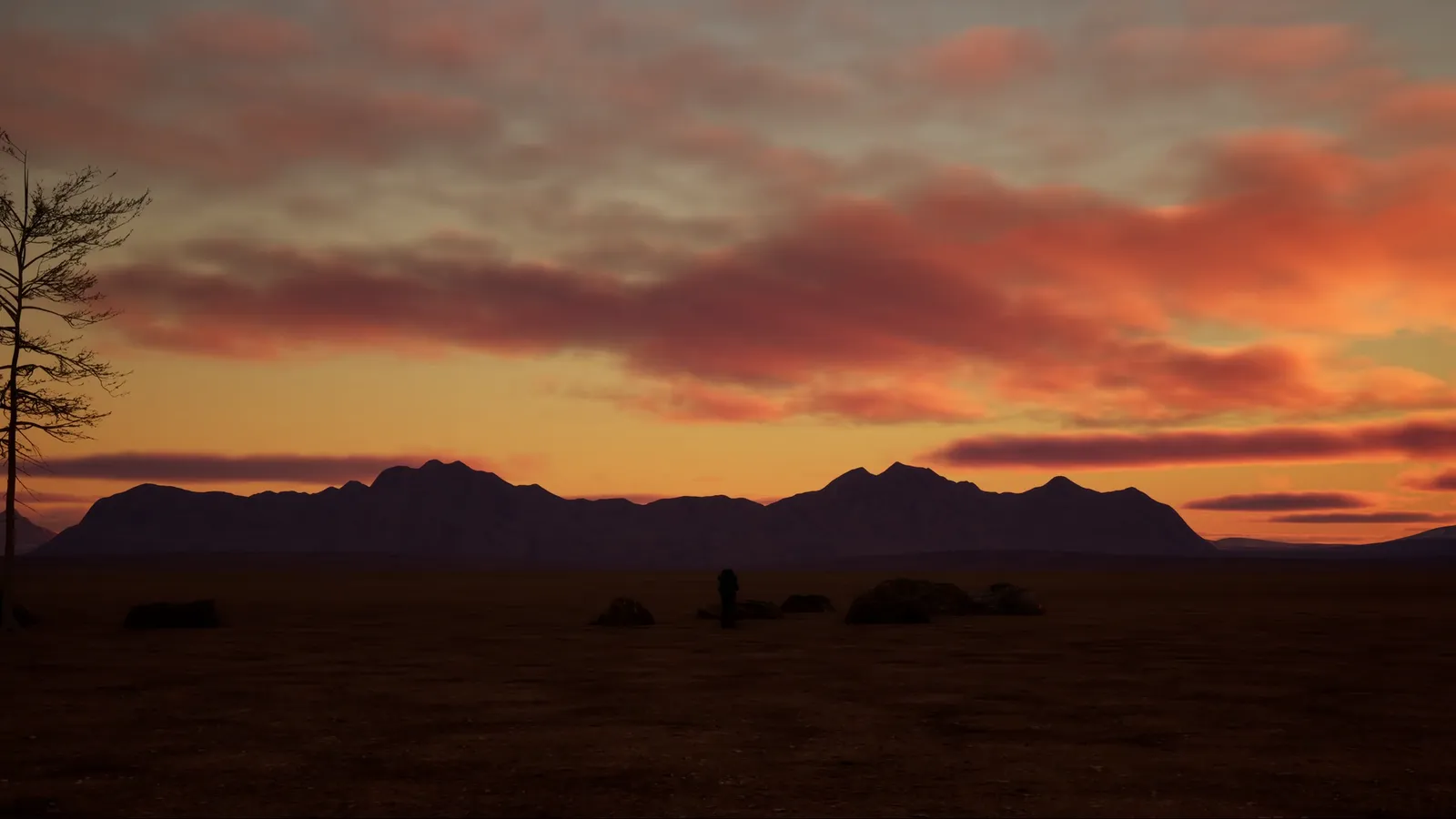
Dynamic sky, clouds and weather for Unreal Engine
Build a believable sky in minutes, then direct it shot by shot. Realtime Sky Builder is a Blueprint sky and weather system for architectural visualisation, cinematics and previs in Unreal Engine.
Pick a quick look as a starting point and change anything. Every look stays fully editable, with exact numeric values next to each slider.
A sky and weather look-development tool for Unreal Engine. Its Studio interface brings together lighting, clouds, atmosphere, weather effects and reusable looks.
This release supports Unreal Engine 5.8.
Find RealtimeSkyBuilder/EUW_RSB_Studio in the Content Browser, right-click it and select Run Editor Utility Widget.
Open RealtimeSkyBuilder/Demo/Maps/StartHere to explore the included scene, then try the Quick Looks.
Yes. Quick Looks and cloud presets use editable Data Assets under RealtimeSkyBuilder/Data/Looks/QuickLooks. Save your changes to the asset, then press its corresponding preset button in Studio.
Quick Looks apply a broader combination of sky and weather settings. Cloud presets adjust the cloud settings without replacing the entire look.
Yes. Their appearance can be controlled separately, allowing both to appear in the same sky.
Yes. Save Look stores the current appearance settings as a reusable project asset. You can recall or override saved looks.
No. It saves sky and weather settings, not meshes, actor placement or the complete level. Save your level separately.
Your materials must integrate the supplied surface-weather material functions. The demo ground material provides an example.
No. It offsets existing vertices without adding geometry or updating collision. Sufficient mesh geometry is needed for a convincing result.
Not with the supplied shared surface-weather system. Participating materials read one Material Parameter Collection, so multiple controllers do not create independently controlled regions.
Start with a lower quality preset and adjust cloud view distance and weather-effect amounts. Performance depends on your hardware, resolution and scene complexity.
No. EUW_RSB_Studio is an editor-only authoring interface, not an in-game menu or a complete gameplay weather-management system.
Yes. The widget exposes UI color variables and slider ranges, categorized by section for easier editing.
Yes. Niagara and Editor Scripting Utilities must be enabled for the tool to work.
Yes. Use the geographic date and time controls to place the sun, then adjust anything else by hand.
Real places as true-scale Unreal landscapes, without leaving the editor.
Eight measuring and annotation tools that show up in your renders.
Fast, precise measuring in the Unreal Editor.
One email when something new ships. Nothing else.
Signups open soon.
You can unsubscribe at any time. We only use your email to send these updates.

